Take a Tour of TroubleTrakkerPRO
Our cloud-based IT ticket-management system lets you report, track, and manage your school’s tech issues, from start to finish. It even micromanages the nitty-gritty details that often fall through the cracks, like time spent working, location of assets, and materials used.
Integrated with AssetTrakker inventory-management tool, it becomes even more powerful, as you can instantly view repair histories, equipment-warranty info, product serial numbers, and more. AssetTrakker comes free with your TroubleTrakkerPRO or WorkTrakkerPRO subscription.
Get more info on the features and benefits of TroubleTrakkerPRO, find your fee here. Or contact us now with your questions and comments.
You’re eligible for a free 30-day trial, so why not test it out? Just give us a little info, and we’ll set you up.
Let’s begin our tour of TroubleTrakkerPRO.
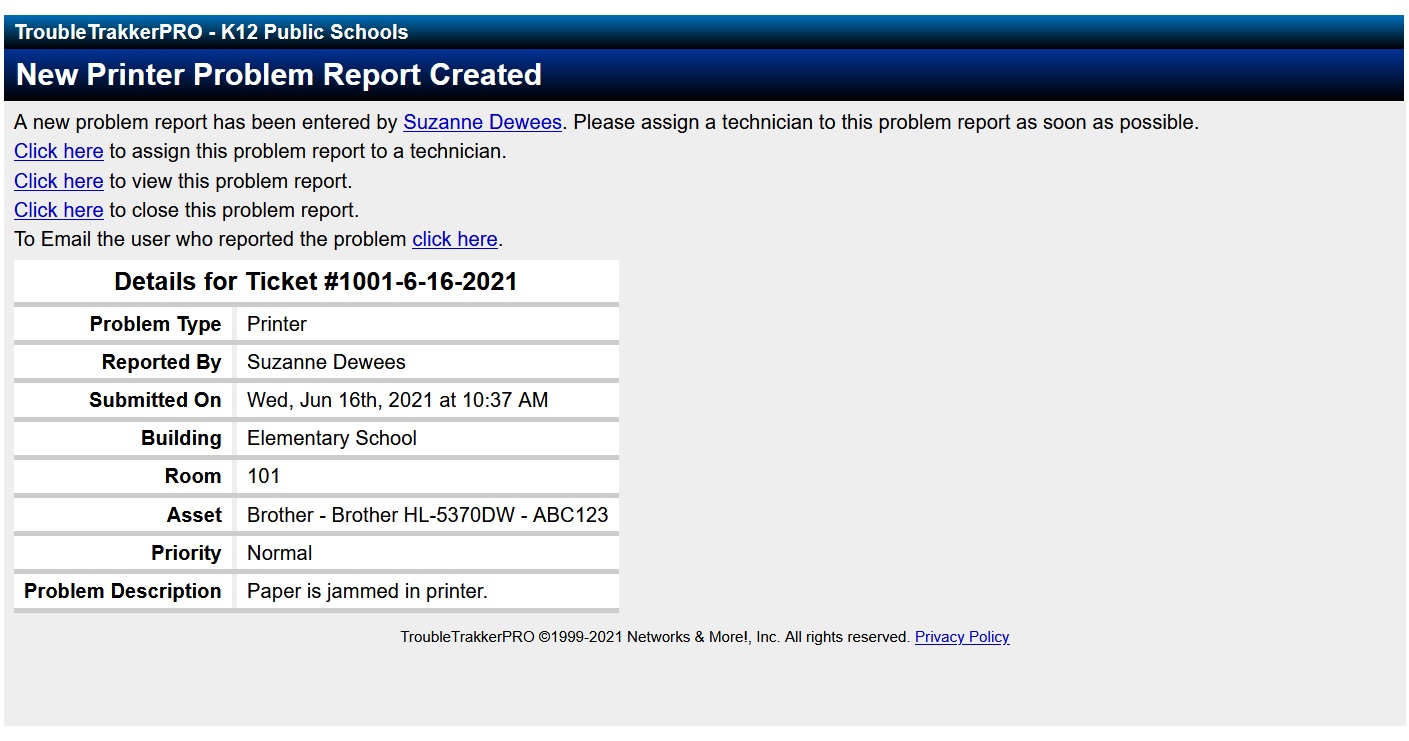
1. First, we’ll report our IT problem.
To report a problem, click on the appropriate icon.
Note: This screen can be configured with custom icons that suit your needs.
Click on the Printer icon below to continue your interactive tour.
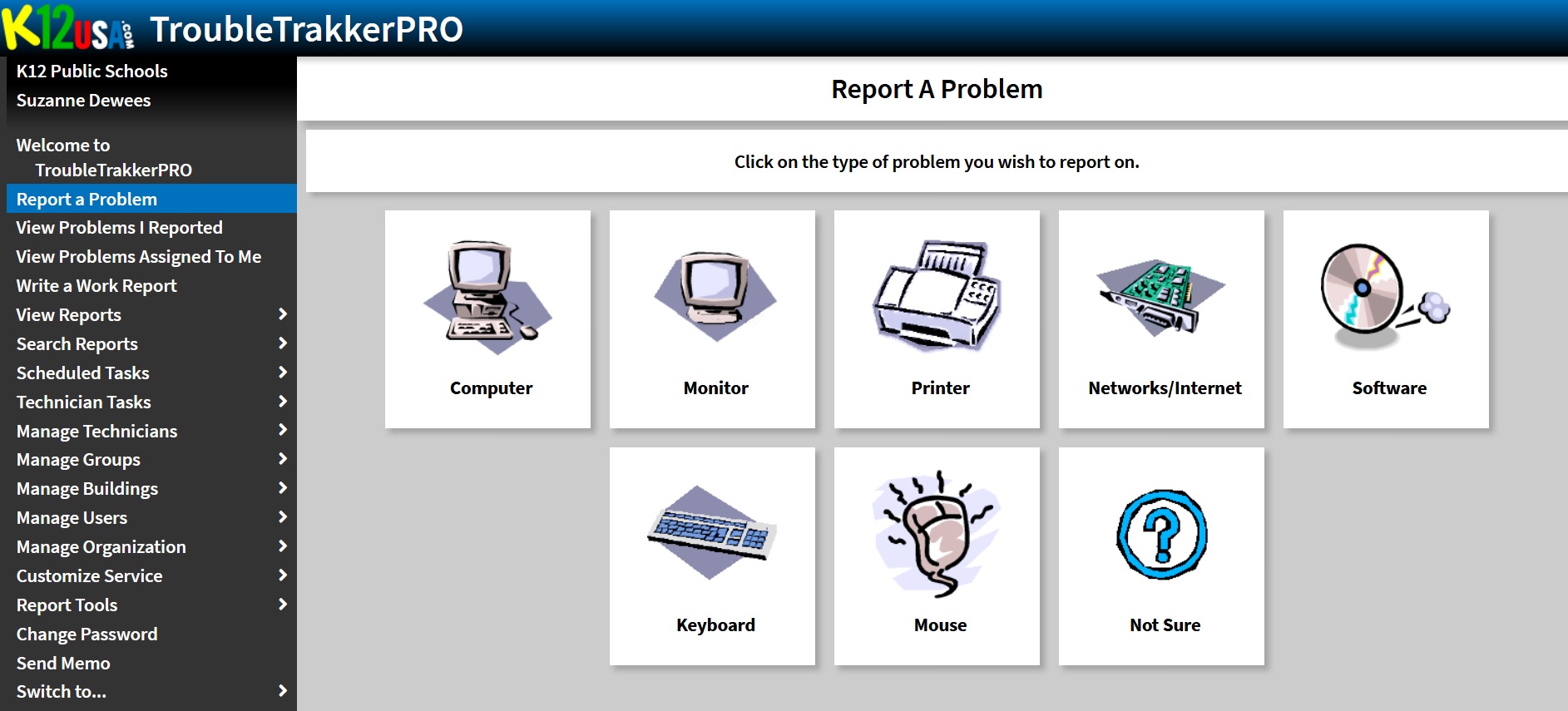
2. Now we’ll provide more details.
Choose from a list of common problems.
Select the Paper is jammed in printer icon.
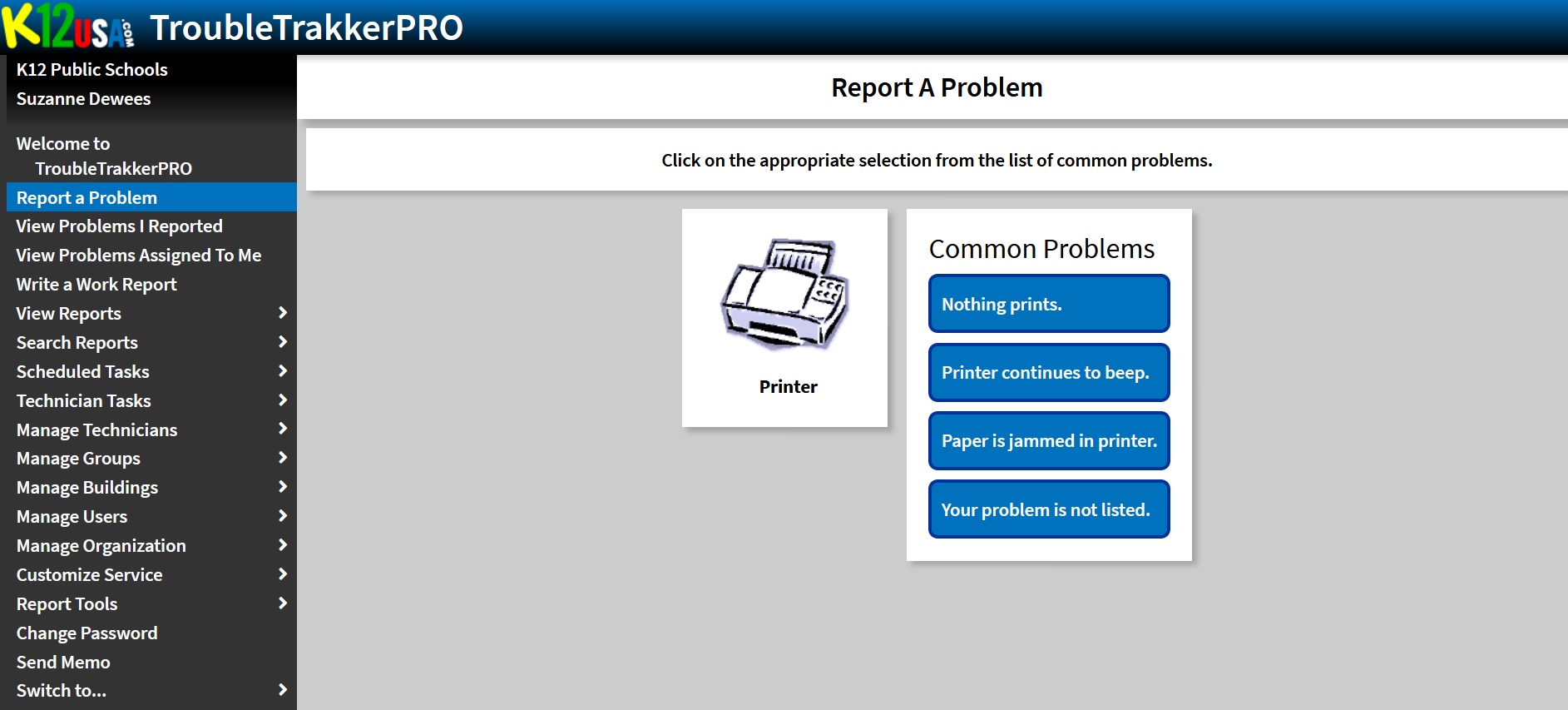
3. Next, we’ll report the problem’s location and add appropriate details.
Here’s where you can describe the issue in greater detail and submit your request. Note the additional form fields configured with AssetTrakker (“Asset Location” and “Asset Item”).
Click the Add New Problem Report button below to continue.
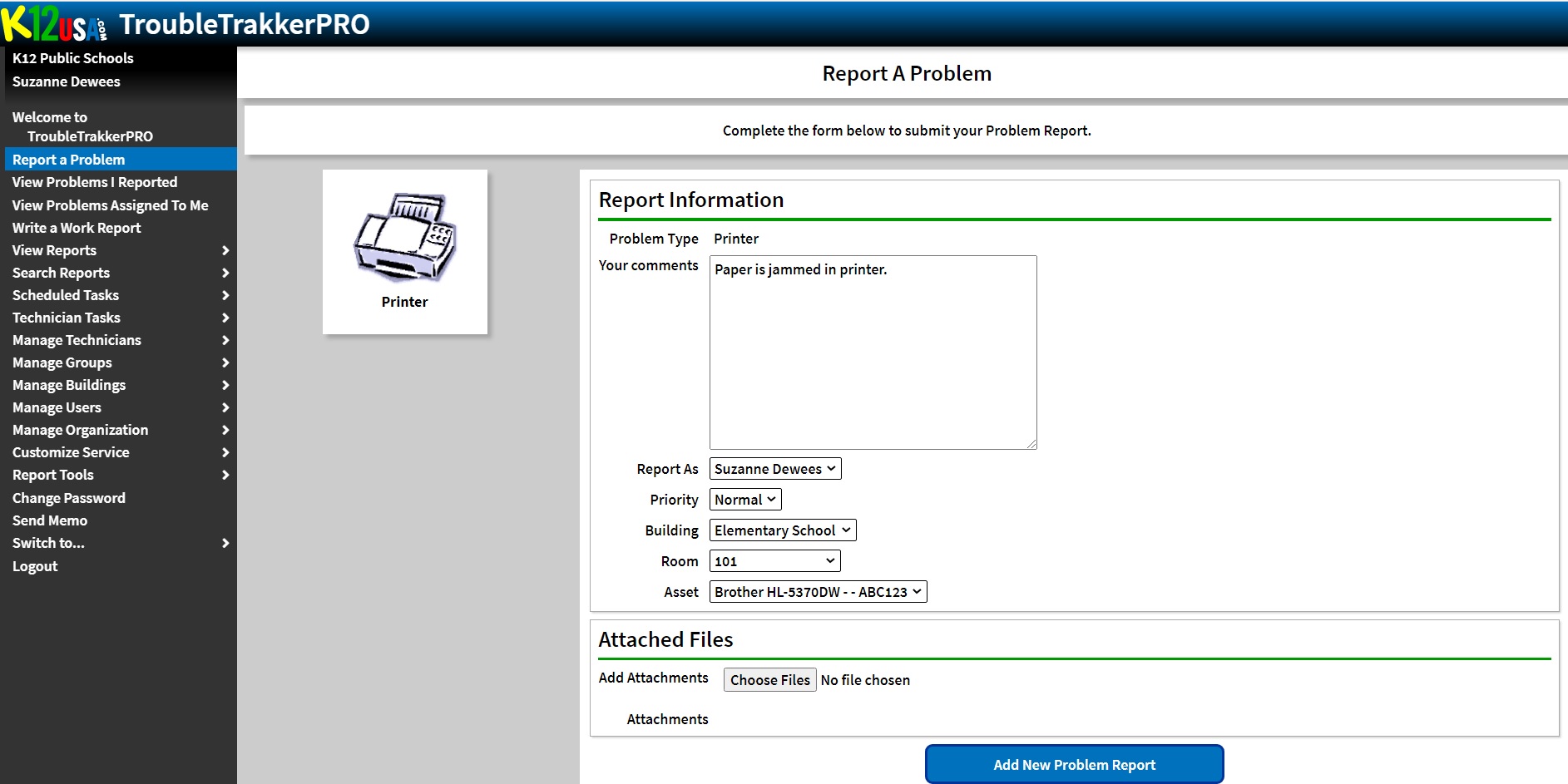
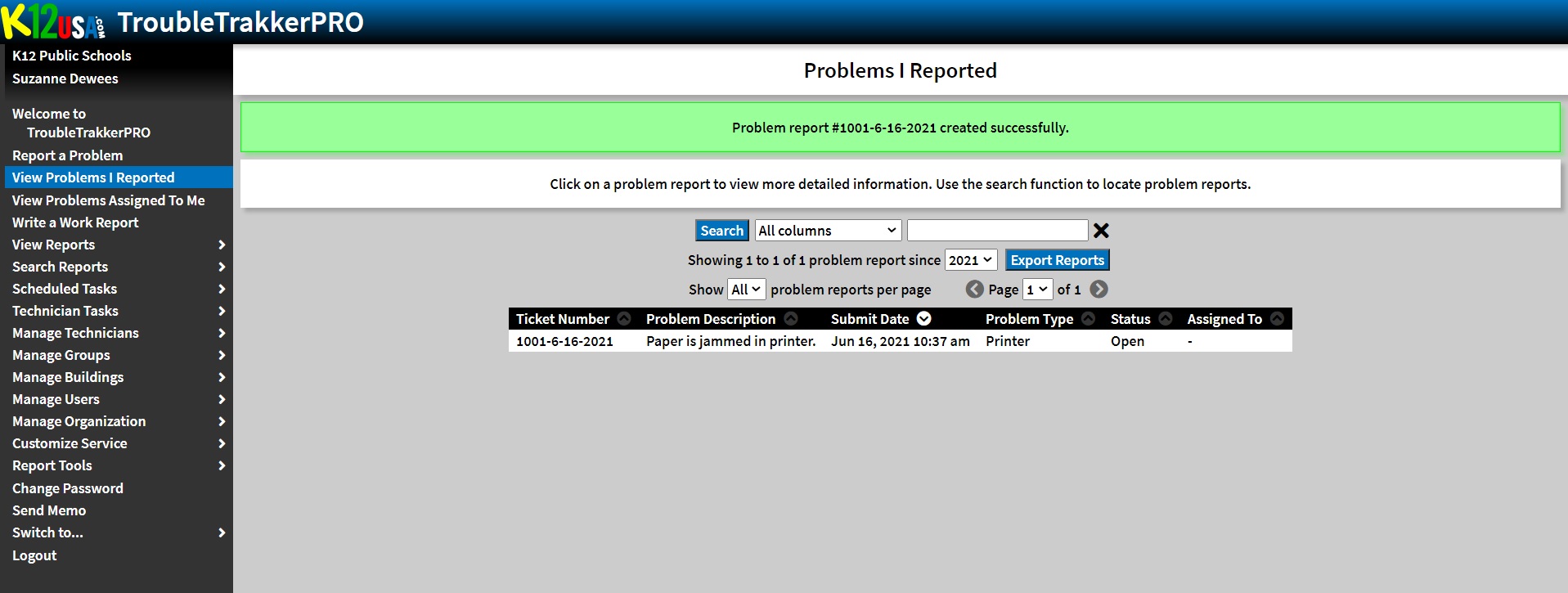
4. Good news! You problem’s now in the system and is ready to be assigned to a technician.
5. You get confirmation in the form of an emailed receipt.
You’ll get a shiny email like this showing that your problem has been entered into the system and will be resolved shortly.